Give profile visitors a reason to stay
How to write a Twitter bio that gives people a reason to follow
A list of titles tells people who you are. A useful bio also tells them what they'll get from your posts. Write that promise without inventing proof.
On this page
Someone liked your reply. Your bio still leaves them guessing.
Your reply gives someone a useful answer. They open your Twitter profile and find “Founder. Builder. Coffee lover.” That could describe thousands of accounts. What would they get from following yours?
A clear Twitter bio tells a specific reader what you do and what you actually share. Stay within 160 characters, use words that match your work, and make sure your pinned post and recent posts support the promise. You don't need a big audience or a revenue milestone to do this well.
This guide focuses on the profile someone lands on. If hardly anyone opens it, start with why Twitter posts get views but few profile visits. A bio can't explain your account to someone who hasn't seen it.
Write the reason to follow before trimming the words
Start with a plain answer to “What will I keep seeing here?” For a developer building a product, that might be actual launch decisions, customer questions, and mistakes other builders can learn from. “Entrepreneur” doesn't tell a visitor any of that.
Write one rough sentence using your real work. For example: “I'm building software for independent fitness coaches and sharing how I find customers without an ad budget.” If those are the things you publish, you have enough material for a bio. If you mostly post engineering breakdowns, describe those instead. Don't promise marketing lessons because that sounds more attractive.
Your audience can be implicit when the topic is specific. “Small-apartment layouts” says more to the intended reader than “helping people transform their lives.” A role can matter too: a working architect and a hobbyist may cover the same subject from different perspectives. Keep the detail that helps someone understand your perspective.
You can include a personal detail if it makes the account feel like you. It shouldn't crowd out the reason your future posts might be useful. There is no requirement to fill all 160 characters.
Twitter bio examples you can adapt to your own work
These are fictional rewrites, not customer profiles or results. Each revised example is under 160 characters. Borrow the level of detail, not an identity or achievement you haven't earned.
| Account | Vague draft | More specific version |
|---|---|---|
| Developer building a product | Founder. Developer. Building the future. | Building scheduling software for fitness coaches. Sharing launch decisions, customer questions, and what I get wrong. |
| Designer | Creative thinker. Design enthusiast. | I redesign confusing SaaS onboarding. Before-and-after screens, the reasoning behind them, and lessons from client work. |
| Local business owner | Passionate about good coffee. | Running a neighborhood coffee shop. Sharing menu experiments, supplier decisions, and the numbers behind a small cafe. |
| Research writer | AI. Tech. Innovation. | I read AI research papers and explain what changed, what was actually tested, and where the claims get ahead of the evidence. |
The designer example only fits someone who does that work and can show it. If you're learning design, say so: “Learning SaaS onboarding design. Sharing screen critiques, practice redesigns, and what I change after feedback.” An honest learning process gives people a concrete expectation without pretending you have clients.
For a product account, explain the problem you solve in words your customer would use. You can then point to a demo or a useful introduction in the pin. For a personal account, give visitors a reason to follow your perspective even if they aren't ready to buy anything.
Edit the bio on X, then check the whole profile
X's profile customization guide sets a maximum of 160 characters for the bio. Open your profile, choose Edit profile, change the bio, and save. There is a separate website field, so you don't have to spend bio space writing out your URL.
Read the saved version on a phone. Does it make sense before someone opens your site? Check that the profile photo is recognizable at reply size and that important banner text survives the crop. A long slogan in the banner shouldn't be required to understand a short, cryptic bio.
Then inspect your pin and recent original posts. If your bio promises practical examples, can a visitor find one? If it says you're building a product, does a recent post explain who it's for? Use the pinned-post guide to choose an introduction that backs up the bio.
For a small account, this matters alongside the work you do in conversations. Replies can introduce you to readers, while original posts help show why to follow. A profile should help someone connect those two experiences.
Use your existing posts to avoid a generic AI bio
An agent can write a polished bio from a few adjectives. It can also produce a promise that has little to do with your account. Give it evidence instead: your actual posts, the audience you want, and the subjects you intend to keep covering.
With PilotMyX, review your original posts and replies separately. Read the examples that explain your work, not just the ones with the most impressions. Available profile-click metrics can help you find posts that made readers curious enough to open your profile. They don't tell you which bio those readers saw or whether they followed.
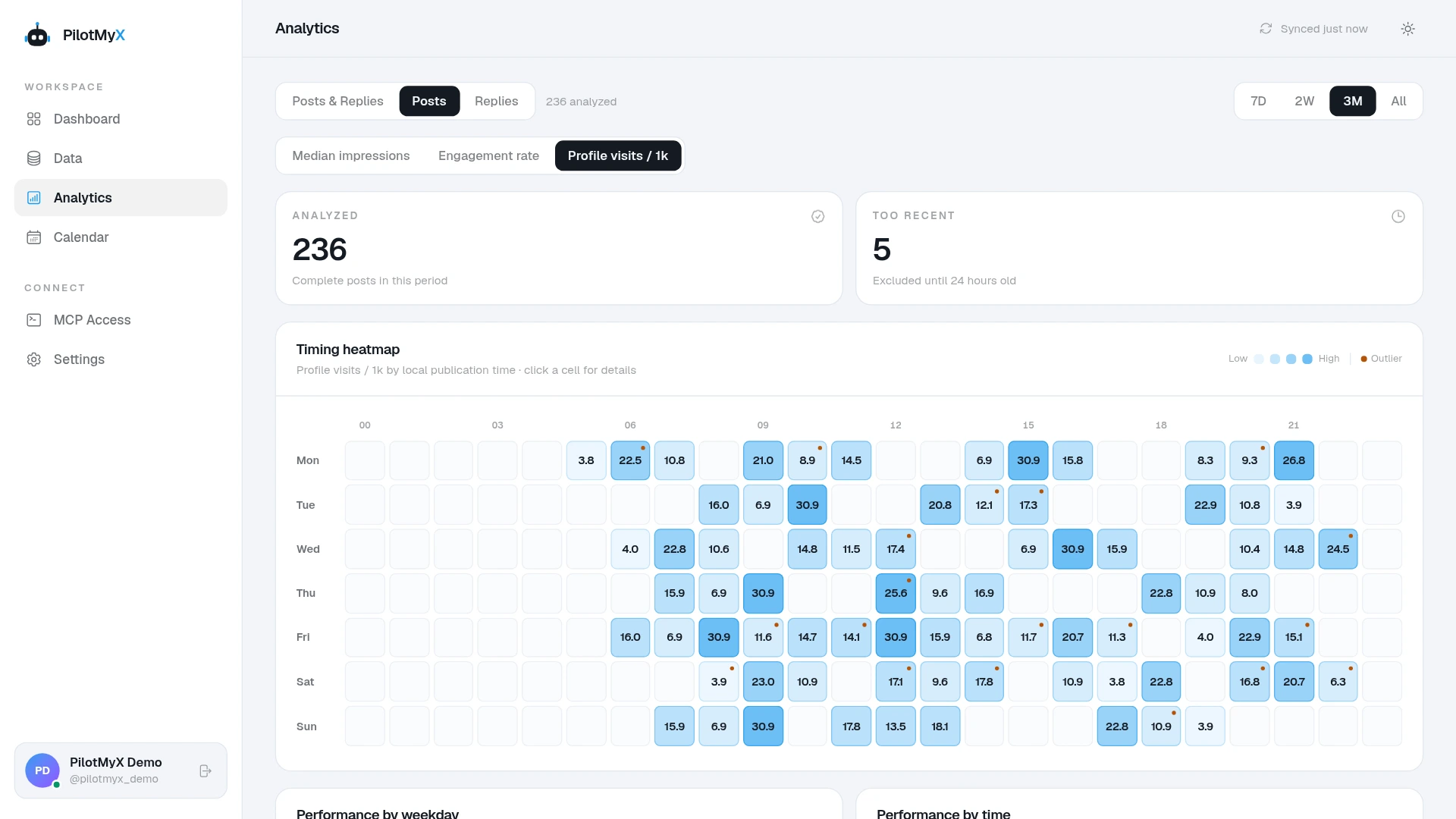
Paste this into an agent connected to PilotMyX after filling in the context:
Help me rewrite my X/Twitter bio so a new visitor understands
why they might want to follow.

My intended audience is [audience]. I currently work on [real work].
I want to keep posting about [subjects]. My current bio is [bio].
My pinned post is [paste its text or URL].

Read the last 28 complete days available in my PilotMyX data.
State the date range, freshness, and post/reply sample sizes.
Review original posts and replies separately. Use available profile
clicks as context, with missing values labeled, and read the actual
posts before suggesting what this account promises.

Show three bio options under 160 characters, with character counts.
Use only facts I've supplied or that my posts support. Do not invent
customers, revenue, expertise, achievements, or a posting cadence.
For each option, name an existing post that supports its promise
and flag anything that needs my confirmation.

Tell me if my current pin contradicts the proposed bio. Keep this
as a review: do not edit my profile, save drafts, or publish anything.
PilotMyX supplies account data through MCP; the connected agent does the reading and writing. Review its suggestions and make the profile change on X yourself. If the chosen bio exposes a gap in your recent posts, draft a useful introduction and schedule it in PilotMyX after approving the text.
Check the change without inventing a conversion rate
Keep a dated note of the old bio, the new bio, and any other profile changes. Give the new version time alongside your normal activity instead of rewriting it after every quiet day. If you want to learn from the change, avoid replacing the pin and changing your entire posting approach at the same time.
Track whether posts still bring profile interest and whether your account's follower count changes. X's metrics documentation distinguishes post-level profile clicks from impressions and limits access to private metrics to posts created within the last 30 days. Missing click data isn't zero.
Do not divide follower growth by post-level profile clicks and call it your bio's conversion rate. Followers can arrive through other routes, the click count isn't a list of unique visitors, and follower change can include people leaving. PilotMyX doesn't establish that a particular visitor read your bio and followed because of it.
For the first review, check something you can see directly: would a stranger understand the subject of this account, and do the recent posts deliver it? If the answer is yes, spend the next stretch of effort on useful posts and relevant conversations. You don't need to turn the bio into a daily project.
Twitter bio FAQ
How long can a Twitter bio be?
The current limit is 160 characters. You can write a shorter bio when it already explains your work and what readers can expect.
What should I write if I'm just starting?
Describe what you're doing or learning and the specific work you will share. An honest project, practice, or question is more useful than a credential you don't have.
Should my bio say “follow for”?
It can, but the useful part is what comes after those words. “Follow for updates” leaves the subject unclear. A specific description can explain the reason to follow without an explicit instruction.
Can a better bio fix low reach?
This guide makes no claim that bio wording increases feed distribution. It helps you explain the account to visitors. For discovery and posting decisions, use the Twitter growth guide.
Use your own account