PilotMyX + AI agents
Let your agent see what works on your X account.
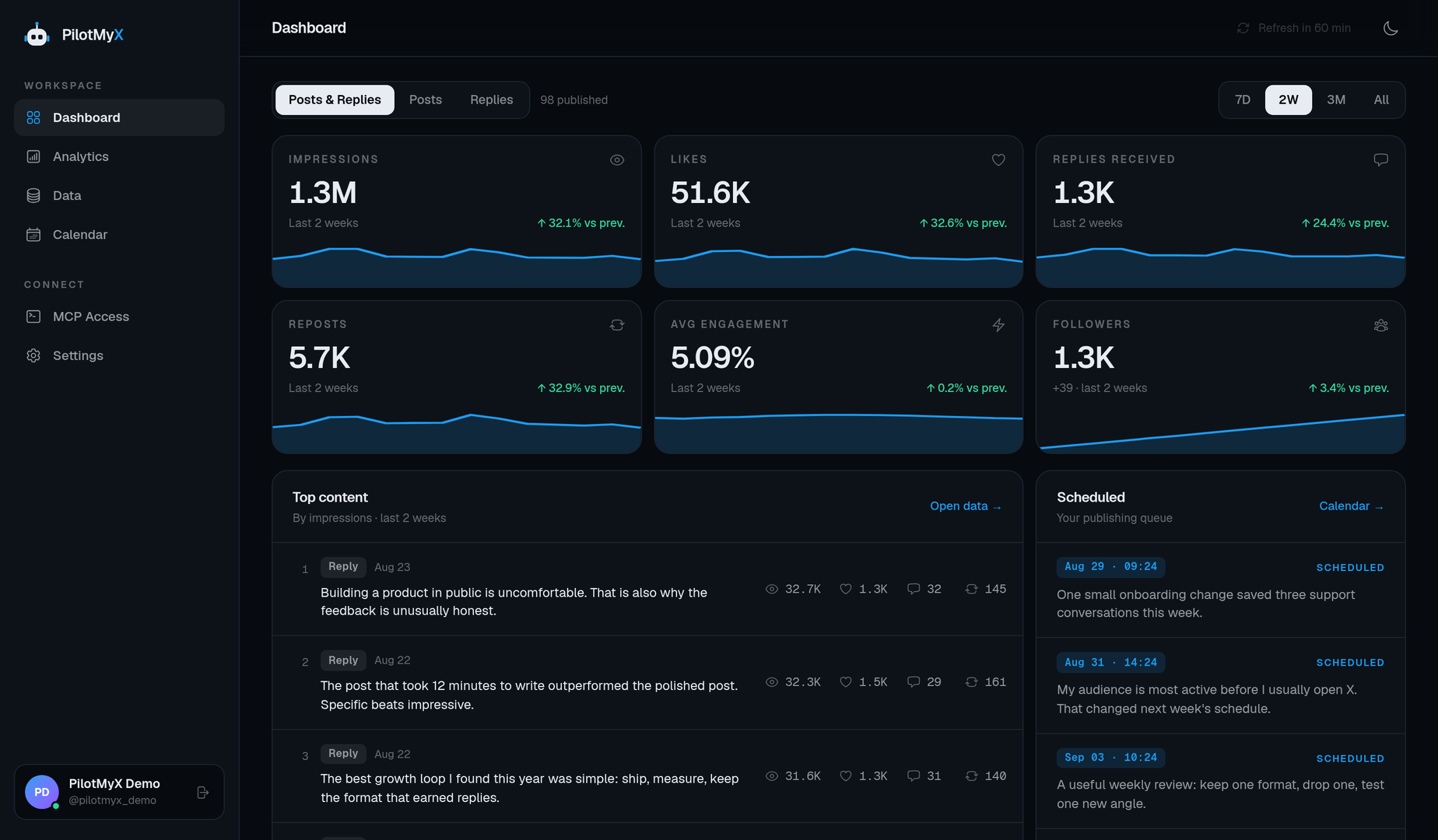
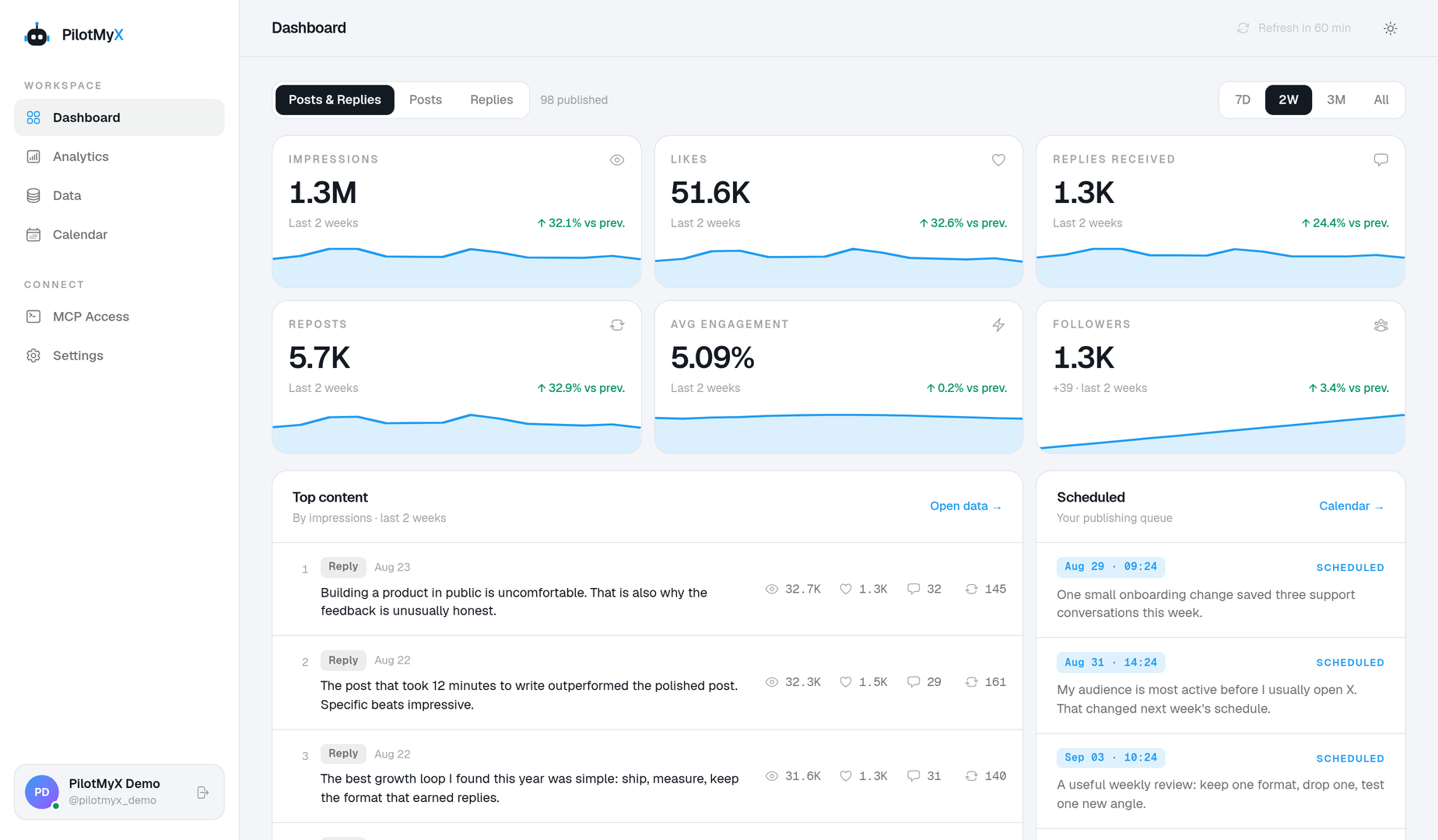
Connect a compatible MCP client to your X/Twitter posts, replies and analytics. Ask it to find the pattern, show the evidence and help plan your next post.
Connect today
Choose your client for its connection settings, permissions and first read-only test.
Codex →
Give Codex your real X/Twitter post and reply data before asking it what to write next.
Claude Code →
Let Claude Code compare your X/Twitter posts and replies without pasting analytics into the chat.
Cursor →
Connect Cursor to the performance behind your X/Twitter ideas, not just a blank editor.
Gemini CLI →
Use Gemini CLI to inspect your X/Twitter results before planning the next posting test.
Hermes Agent →
Give Hermes a factual X/Twitter feedback loop: inspect results, write a draft, then schedule only with your approval.
OpenClaw →
Use an OpenClaw MCP connection to inspect your X/Twitter account before delegating a posting workflow.
Any MCP client →
Connect a compatible MCP client to PilotMyX's remote Streamable HTTP endpoint.
ChatGPT →
Let ChatGPT compare your real X/Twitter posts and replies, then ask it what to test next.
Claude web and desktop →
Compare what your X/Twitter audience responds to before you ask Claude to draft another post.
Claude Cowork →
Let Cowork inspect your posts and replies before it helps plan your next X/Twitter test.
Gemini →
Connect PilotMyX as a custom Gemini app to compare your X/Twitter results. Requires access to Google's custom apps feature.
Grok Bot →
Add PilotMyX as a remote MCP server so your Grok Bot can review X/Twitter performance before planning content.
Grok Build →
Connect Grok Build to PilotMyX over HTTP, then compare your X/Twitter posts and replies from the terminal.
Muse Code →
Connect Meta's Muse Code terminal agent to your X/Twitter analytics with PilotMyX. This guide covers Muse Code, not the consumer Muse app.
Manus →
Add PilotMyX as a custom MCP server in Manus and ask it to compare what actually worked on your X/Twitter account.
Perplexity Computer →
Connect PilotMyX as a custom remote connector so Perplexity Computer can work from your X/Twitter analytics.
NanoClaw →
Add PilotMyX to your NanoClaw agent as a remote MCP server, with a read-only credential managed outside its chat.
Paperclip →
Connect PilotMyX through Paperclip's custom MCP connector and control which agents can read your X/Twitter results.
Grok →
Connect your private PilotMyX analytics to Grok's custom MCP connector instead of relying on public posts alone.
ChatGPT dots →
Connect PilotMyX to your ChatGPT account, then let your dot review your X/Twitter results with read-only access.
Models and terminal workflows
These guides use a named MCP client to connect the model or agent to PilotMyX. Each one explains where the tools run and where to keep credentials.
DeepSeek →
Run DeepSeek in OpenCode and give it access to your X/Twitter analytics through PilotMyX's remote MCP server.
Kimi K3 →
Use Kimi Code's MCP client to analyze your X/Twitter posts and replies with the Kimi model available on your account.
Cue →
Use a terminal MCP client on your Cue agent's computer to read PilotMyX data. This setup requires terminal access; it is not a Cue marketplace connector.
AI agents with CLI access →
Use MCPorter to let a terminal-capable agent inspect your X/Twitter data through PilotMyX's MCP tools.