Bring your X history in
Connect your account through X. PilotMyX imports the posts and replies included in your plan and refreshes recent data daily.
Manus + PilotMyX
Add PilotMyX as a custom MCP server in Manus and ask it to compare what actually worked on your X/Twitter account. Connect over MCP and ask questions grounded in the posts and replies you actually published.
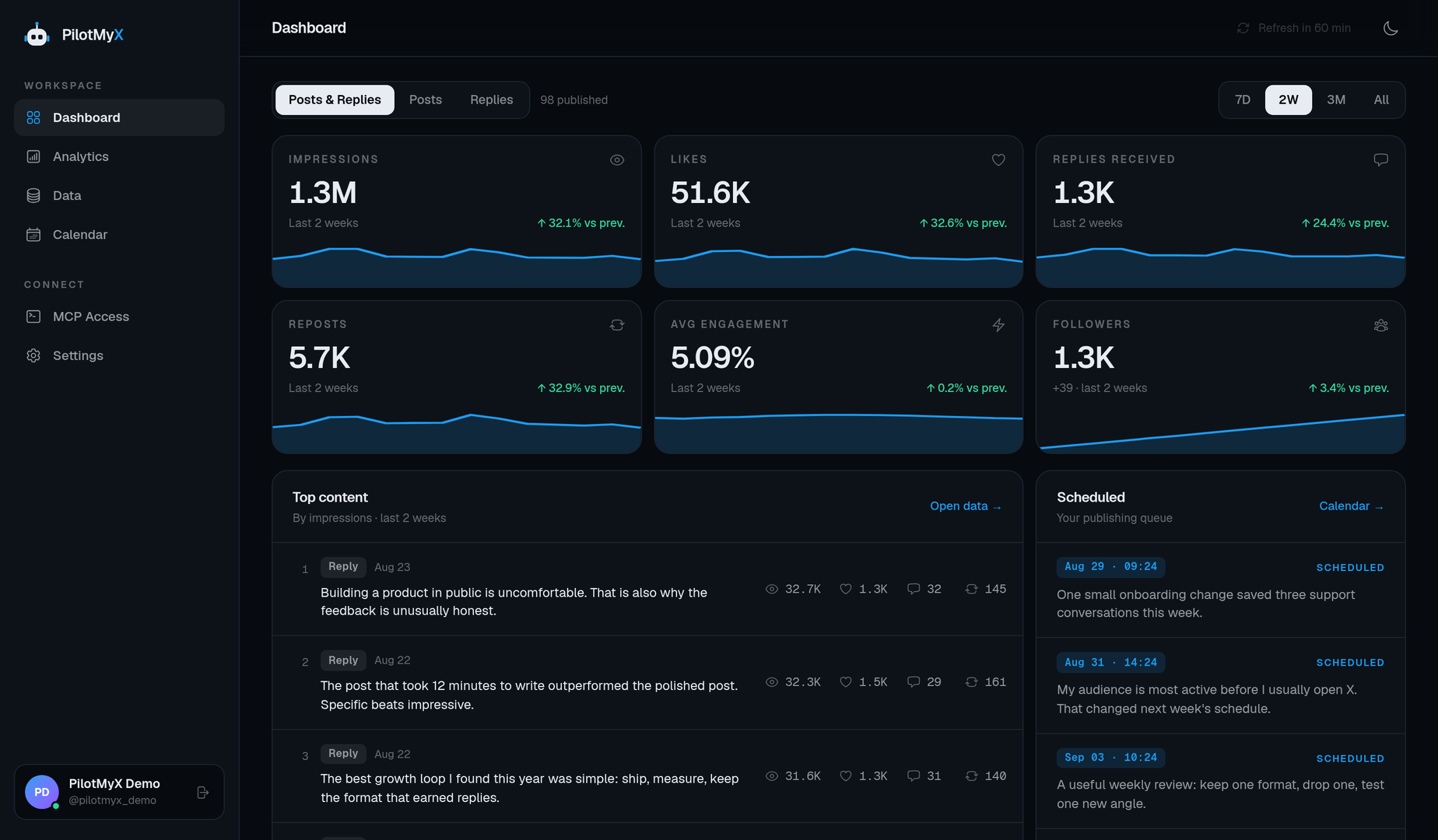
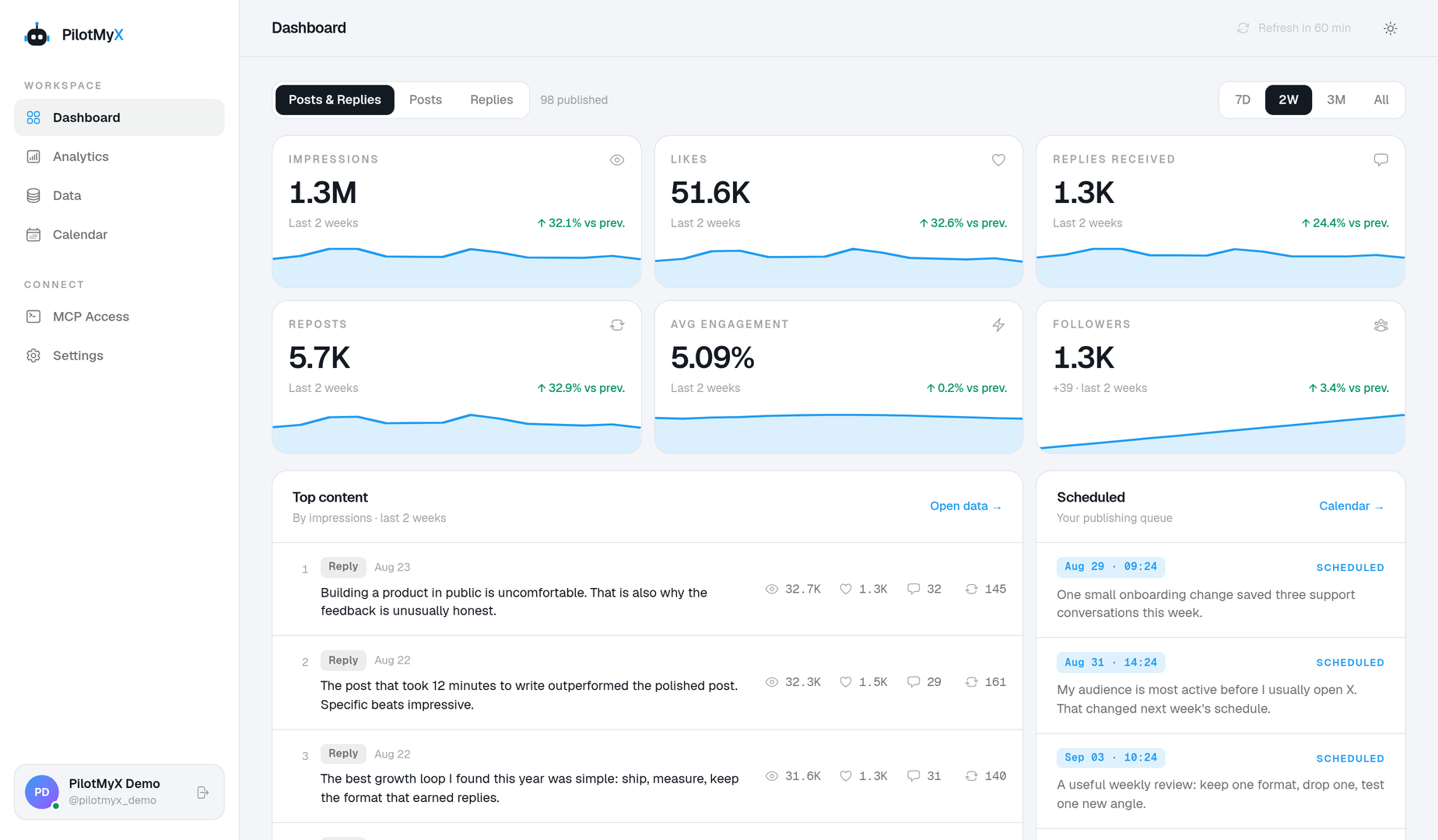
Which posts earned the most attention last month, and what should I test next?
From account to action
Connect once, give Manus a read-only view of your results, and use the evidence to decide what to try next.
Connect your account through X. PilotMyX imports the posts and replies included in your plan and refreshes recent data daily.
Create a scoped MCP token and install the PilotMyX skill. Ask what performed, over which period, and which real posts support the answer.
Use those findings to draft a new angle. Add separate write permissions only if you want the agent to save or schedule it.
What Manus can do with PilotMyX
PilotMyX supplies the facts. Manus helps you interpret them and plan the next test. It does not need publishing access to analyze your account.
Inspect reach and engagement for individual posts, with the content behind each result.
See whether original posts or replies are doing the work, using a shared time window.
Compare periods and account trends before deciding whether an idea is worth repeating.
Ask for a new angle based on examples from your own account, not generic posting advice.
Grant separate write scopes when you want the agent to prepare or schedule an approved post.
Start read-only, scope each token, and revoke access from PilotMyX when you need to.
The connection
It is the bridge between Manus and your connected X account. Your agent requests cached posts, replies and analytics from PilotMyX, then works with that evidence in your conversation.
PilotMyX does not generate your strategy on the server. Your agent does the reasoning; you decide whether a draft gets published.
Explore the MCP toolsRead-only by default · Publishing requires a separate scope
Try asking Manus
“Compare my original posts and replies from the last 30 days. Which had more reach? Show the sample size and three real examples.”
“Find the posts that beat my usual engagement. What do they have in common? Suggest one angle to test next, but don’t publish it.”
Setup guide
Follow these steps for Manus. Start with a read-only token; add publishing permissions only when you need them.
You need a PMX plan or trial with an imported X/Twitter account, and access to Manus's custom MCP servers.
This setup uses a scoped PMX token. Create one in MCP Access with account:read and data:read. Use a separate token for Manus so you can revoke that connection without affecting your other agents.
Server name: PilotMyX
Server URL: https://pilotmyx.com/mcp
Authentication: Bearer token
Authorization header: Bearer YOUR_PILOTMYX_TOKEN
If the form asks for a token value, enter only the token. If it asks for a complete Authorization header, use Bearer followed by a space and the token. Put the credential in the private authentication form, not in a task prompt or the URL.
The endpoint is already hosted by PMX. You do not need to build or deploy a server for Manus.
Once the connection is available, start a Manus task and explicitly ask it to use PilotMyX:
Check which X account PilotMyX returns and how fresh its data is. Compare posts and replies over the last 30 days. Show which topics earned profile visits, with the examples behind the conclusion. Do not make changes.
Check the account, period and tool calls. The setup test retrieves tools; this task also tests the token's read scopes.
Use Copy prompt in MCP Access to install the PilotMyX MCP skill. It explains how to page through data, separate posts from replies, and chain the compact tools without inventing action names.
Ask Manus to draft a post from one supported finding. Keep proposed text in the task response until you review it. PMX draft, schedule and publish permissions are separate from analytics access.
If the connection test returns 401, check the token and bearer authentication. If an account query is denied, check account:read; post and analytics queries require data:read.
If results are empty, check the import and the requested dates in PMX. Do not authorize refresh or publishing just to resolve an empty comparison.
Remove the custom server in Manus and revoke its token in MCP Access to disconnect it.
Client settings change. Check the platform's current requirements before connecting.
Read the platform documentation ↗FAQ
No. Start with a read-only token to analyze posts and replies. Drafting, scheduling and publishing require separate write scopes that you choose in MCP Access.
No. PilotMyX provides the account data and publishing tools. Manus does the writing and analysis in your own agent session.
Ask the agent to check the last synchronization time before analyzing a period. PilotMyX refreshes subscribed accounts daily; the MCP skill explains how to check freshness and request a refresh when needed.
Connect your X account, then give Manus the real results behind your ideas.