Writing for X/Twitter
How to write Twitter posts with AI that sound like you
You ask for a post in your voice and get a motivational speech. Give your agent real examples, keep the facts fixed, and teach it what you changed.
On this page
Stop rewriting every AI draft
If you spend longer removing the motivational speech than writing the post yourself, give your agent something more specific to work from. To write Twitter posts with AI that sound like you, use examples you recognize as your own, the facts of today's idea, and a specific correction when it misses. Asking it to be "authentic and engaging" leaves too much for it to invent.
Your past writing shows how you express a thought. It cannot supply a new experience you haven't shared. Keep those inputs separate so you have a factual brief to check the draft against.
Choose examples you would still publish
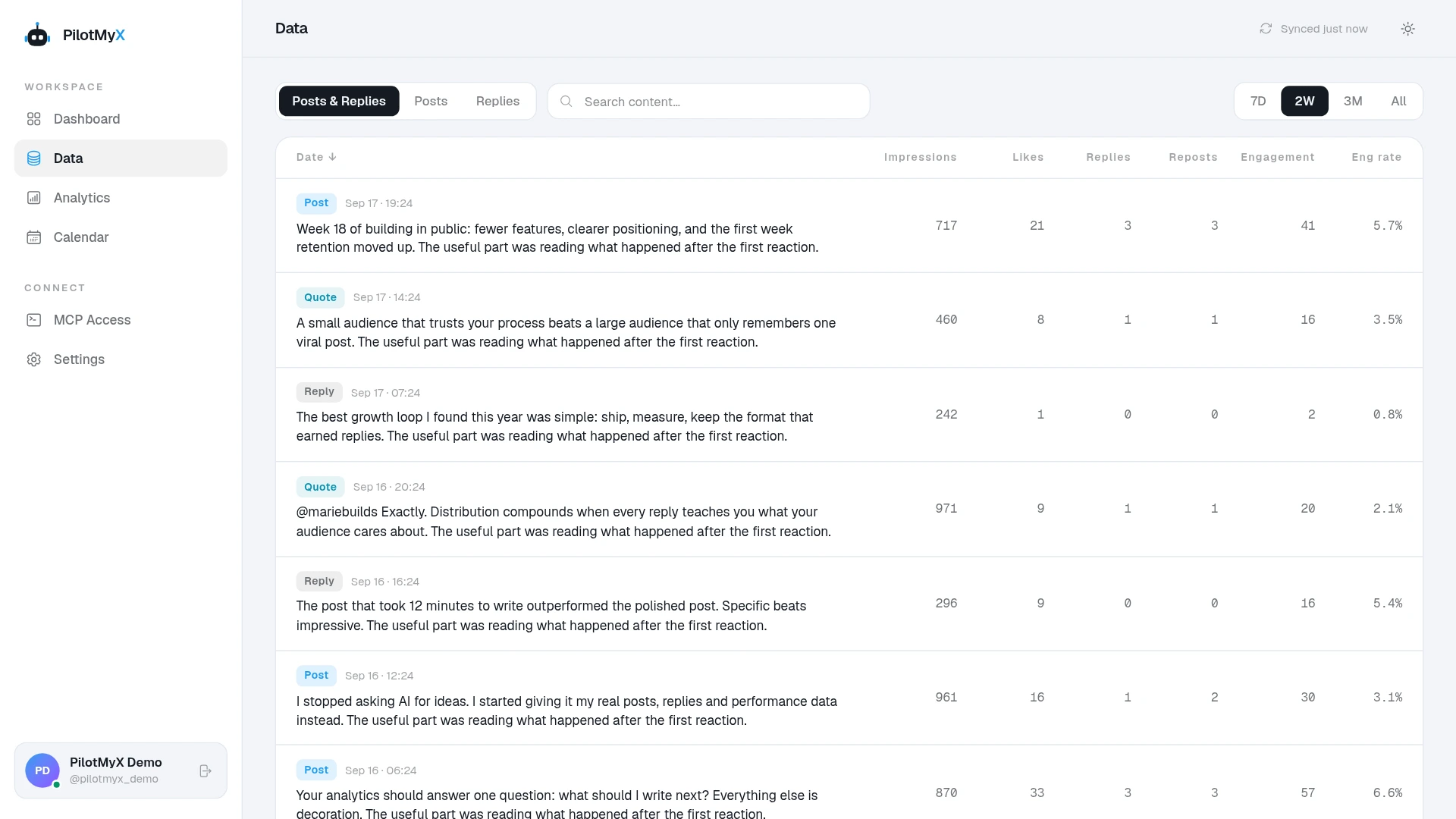
Start with a small set of your published posts. Pick ones where you like the wording, including ordinary posts, not only the biggest results. Add a few replies you wrote when they show how you explain something or disagree in conversation.
Look for differences within your own writing. A product announcement may be more direct than a story about a mistake. A reply may depend on context that an original post would have to explain. Keep those examples labeled so the agent doesn't apply one style to everything.
Anthropic's prompting guidance recommends relevant, varied examples to steer tone and structure. That supports using real writing samples; it doesn't mean a particular number of examples will reproduce everyone's voice. Anthropic's guidance on examples.
With PilotMyX connected, your agent can read your published posts and replies through MCP. If you haven't connected it yet, follow the PilotMyX setup guide. You can also start with examples you provide yourself. Don't include private customer details just to make the writing more specific.
Describe your voice in decisions an editor can make
"Casual, confident, human" could describe thousands of accounts. A useful voice note helps the agent choose one sentence over another.
Ask it to notice things you can verify in the examples: how you open a post, whether you explain the setup, which words you use, and how you end. Preserve the exact wording of a few examples alongside the notes. A summary alone can lose the detail that made the writing yours.
These are examples of how to make a preference actionable, not rules every account should adopt:
| Vague instruction | A preference the agent can apply |
|---|---|
| Be authentic | Keep the specific decision and its consequence. Don't add an experience I didn't provide. |
| Sound casual | Use the contractions in my examples. Don't replace everyday words with business jargon. |
| Make it punchy | Open with what happened. Remove the sentence that announces the topic. |
| Add personality | Preserve my stated opinion, including its limits. Don't turn it into a stronger claim. |
| End with engagement | Ask a question only when I genuinely want the answer. |
X's own guidance connects brand voice to the audience and recommends conversational writing. X's guide to building your presence. Choose the register that fits the people you're speaking to; you don't have to turn a routine update into a joke.
If the agent says you "always" use a certain opening, ask for the examples. One successful post is a weak basis for a permanent writing rule.
Give the agent today's facts before it writes
A voice profile cannot tell the agent what you shipped this morning, what a customer said, or why you changed your mind. Supply the event and the part of it you want readers to understand. If the idea needs a fact you don't have, leave that gap open.
Consider this fictional example of a founder changing a CSV export. The same factual brief applies to both drafts:
- The export used to include every column.
- It now exports the columns the user selected.
- The founder made the change because deleting unwanted columns was annoying.
- Nobody has measured time saved or an effect on sales.
A draft that goes beyond the brief:
Small changes create massive impact. We transformed our export experience to help teams save hours and focus on what matters.
A draft that stays within it:
The CSV export now uses the columns you selected. I got tired of deleting the same unwanted columns after every download, so I changed it.
The second version names what changed and why. It doesn't claim that customers saved hours. Whether its wording sounds like you still depends on your examples and preferences; specificity alone isn't a voice match.
Keep this distinction when requesting alternatives. An agent can change the opening without changing "I found this annoying" into "customers demanded it."
Use separate prompts for the voice and the draft
First, ask for a short voice review. This prompt uses a recent month as a starting point, not a required amount of history. If the account is new, use the examples you have and treat the conclusions as provisional.
Help me get Twitter drafts that sound like me.

Read my existing voice notes if available. Using my connected PilotMyX account, review representative original posts and replies I wrote during the last 30 days. Include ordinary results, not just the top posts. State the date range and how many examples you reviewed; say if the available history is limited.

Show me a few exact published examples and explain their wording, openings, rhythm, and endings. Keep reply style separate where it depends on a conversation. Don't assume high engagement proves that a writing choice worked.

Suggest a short voice note backed by those examples. Keep uncertain patterns provisional and let my explicit preferences override them. If you have local file access, keep the approved notes there, separate from published examples and unpublished drafts. Otherwise, return the note for me to save.

Don't draft or schedule anything yet.
Then bring a real idea. Replace the bracketed fields with your own facts before using this prompt:
Draft one original Twitter post using my voice notes and representative published examples.

Reader: [who this is for]
What happened: [the event or decision]
Why I care: [my actual opinion or frustration]
Evidence I can share: [confirmed details, or say none]
What is still unknown: [results or details I cannot claim]
Purpose: [what I want the reader to understand or do]

Use only these facts. If a missing detail is necessary, ask instead of inventing it. Don't borrow an experience from an old post and present it as new.

Give me a draft and one alternative opening with the same factual claims. Briefly flag any wording that adds an interpretation. Preserve the register of my examples without copying their sentences mechanically.

Leave both versions for review. Don't schedule or publish them.
If you don't yet know what the post should be about, use the separate guide to choosing Twitter ideas from your account data. Asking the agent to find an idea and imitate your voice in one vague instruction makes it harder to see which part needs fixing.
Correct the sentence that bothered you
"Make it more human" doesn't tell the agent whether the problem was the opinion, the vocabulary, or the structure. Point to the sentence and explain the change.
For the fictional export example, useful feedback would be:
Keep the sentence about deleting columns. Remove "transformed": I wouldn't use that word for this change. Don't add a question at the end; this is an update, not a request for feedback.
Save the version you approve and the reason for the edit. PilotMyX's voice skill is designed to keep that feedback in the agent's local notes, with published examples and unpublished drafts kept distinct. The agent does the writing; PilotMyX supplies the account data and handles approved publishing actions.
Don't turn every edit into a permanent ban. "No question on this announcement" is narrower than "never ask questions." A useful note records that difference.
Review voice and performance separately
Before publishing, read the draft beside a few posts you like. Check whether you'd say it, whether the facts are yours, and whether a stranger has enough context to understand it. If the agent has polished away the part you cared about, restore it even if the sentence is less tidy.
After publication, review the result for the post's purpose. If you wanted people to explore your work, look at available profile visits or URL clicks as well as impressions. Compare original posts with comparable original posts, and read the responses rather than assuming every interaction came from the audience you wanted.
A result can suggest a topic or opening worth testing again. It cannot prove that the draft sounded like you, or that its style caused the result. Keep your own approval as evidence about voice and the account metrics as evidence about response.
Once you approve the exact text, follow the AI-assisted scheduling guide to check the time and put the post on your PilotMyX calendar. When you review the next draft, check whether the agent applied the corrections you saved.
Use your own account