Find out what your audience needs next
Twitter polls: ask a question you can actually use
A poll closes and one answer wins. You still need to decide what to do with it. Start with that decision before asking people to vote.
On this page
Your poll got votes. What will you do with them?
You ask your Twitter audience what they want to see next. The poll ends, an option wins, and you're back at the blank composer because the answer was too broad to turn into a post.
A useful Twitter poll helps you make a specific decision: which example to explain, which problem to address, or where a reader gets stuck. Write the question around that decision. Then use the result to make something people can read or try, rather than posting another screenshot of percentages.
Choose the decision before writing the options
"What content do you like?" asks people to summarize a preference. "Which part of editing a short video takes you longest?" gives you a problem you can explain in your next post.
Start with a subject you know well enough to follow up on. If you offer four tutorials and can only write one of them, the vote may leave you with a promise you cannot keep.
These fictional question examples give you a place to start. Adapt them to your own work before publishing.
| Decision you need to make | Poll question | Possible options | Useful follow-up |
|---|---|---|---|
| Choose the next tutorial | When editing a short video, which step takes you longest? | Cutting clips / Captions / Audio / Something else | Show how you handle the chosen step with a real example. |
| Find a missing explanation | When you start a drawing, where do you get stuck first? | Choosing a subject / Proportions / Color / Something else | Walk through that part of a drawing you can show. |
| Choose an example to develop | Which would help you more in my next budgeting post? | First budget / Irregular income / Cutting expenses / Something else | Work through the requested example with a clear set of assumptions. |
| Decide whether to go deeper | After reading my guide, which best describes where you are? | Ready to try it / Need an example / Missing a step / Haven't read it | Explain the missing step or add an example before expanding the topic. |
These questions name a task or context. That makes the answers easier to use than a poll asking whether people prefer "value," "stories," or "tips."
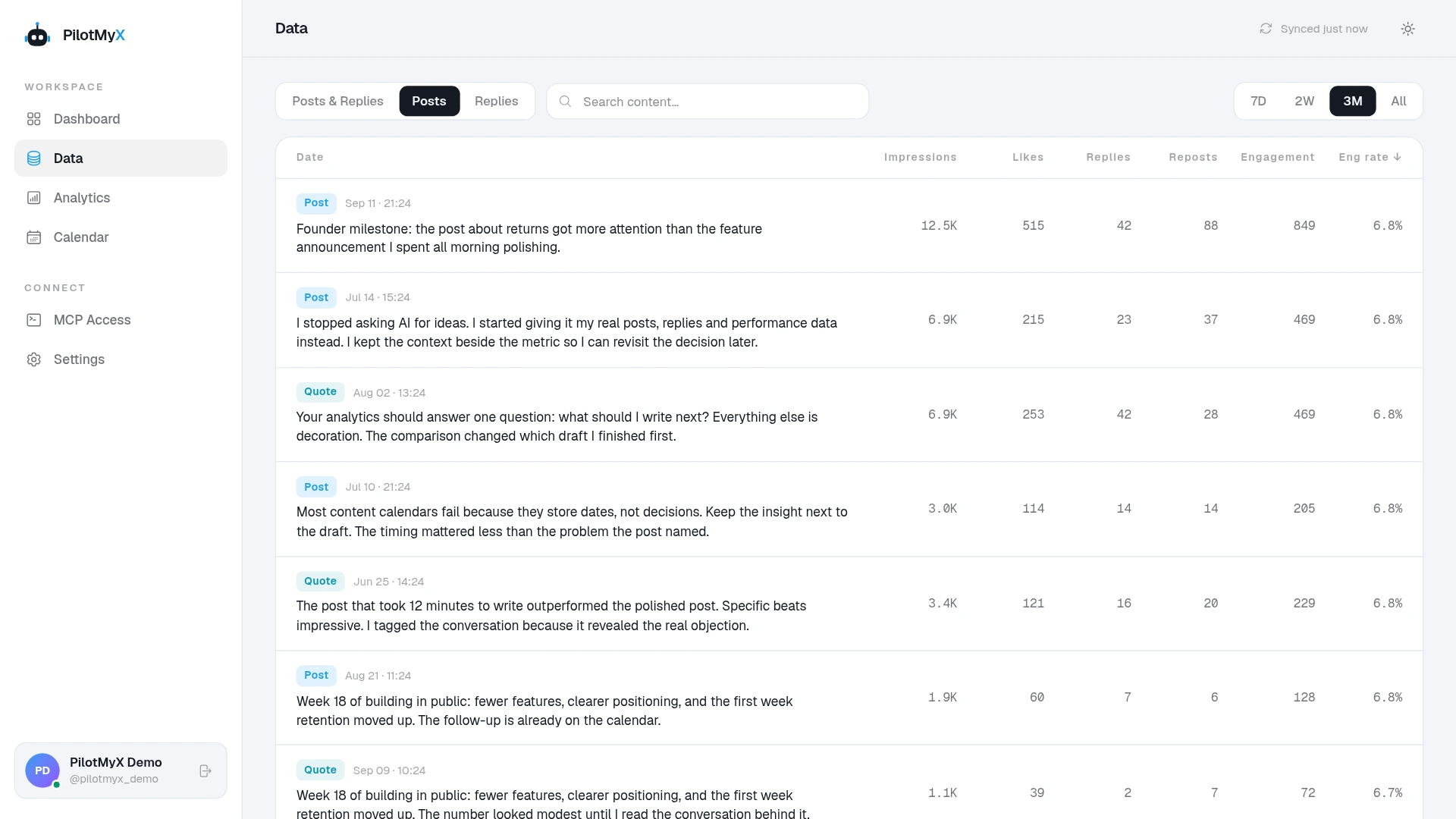
If you don't know which topic to ask about, review your existing posts first. In PilotMyX, read several posts about a subject beside their results. A ranking can help you find candidates, but the wording tells you what you still haven't explained.
Ask one question people can answer honestly
Avoid "Do you want faster, cheaper editing tools?" A person might want faster editing but be willing to pay more for it. You won't know which part they voted for.
Ask about one thing. Use words your readers already use, and give each option a different meaning. "Beginner" and "still learning" overlap; "haven't tried it" and "tried it but got stuck" tell you more about someone's situation.
Pew Research Center's question-writing guidance explains how wording and response choices affect answers. It recommends clear questions, non-overlapping options, and asking about one concept at a time. Those principles help with social polls too, although a timeline poll does not become representative research just because the question is well written.
Make room for an answer you didn't anticipate when it matters. "Something else" can reveal that your choices missed the problem. People may explain it in a reply, but don't assume everyone who selected it will do so.
You can invite examples with a sentence such as "If your answer isn't listed, tell me where you get stuck." Only add that invitation if you intend to read the replies. For help making the opening clear, see the Twitter hook guide.
How to create a poll on X/Twitter
Open X's post composer, choose the poll icon, write your question, add the choices, and set the duration before publishing. X's poll instructions document the current limits:
- A poll has two to four options, each up to 25 characters.
- It can run from five minutes to seven days; the default is one day.
- People vote once, and their participation and choice are private.
- You cannot attach photos to a poll.
Choose a duration that gives the people you're asking a reasonable chance to see it. One day can be a starting point for a routine content question; a time-sensitive decision may need a shorter window. There is no universal duration that guarantees useful feedback.
Publish the poll through X's native composer. You can use PilotMyX and your agent to prepare the question from your history, then use PilotMyX to draft and schedule the original post that follows up on it.
Read the result without making it bigger than it is
Keep the question, options, total votes, final percentages, and closing date together. A winning percentage without the vote count hides how little or how much participation there was. Close results deserve more caution than an obvious preference among the people who answered.
The people who saw the poll and chose to vote aren't a random sample of your followers. Some may not follow you at all. Because voting is private, you cannot use the result to identify interested prospects or verify that every voter belongs to your intended audience. Naming that audience in the question helps clarify who you mean; it doesn't enforce eligibility.
Describe the result as "among the people who voted." Don't turn it into "my audience wants this," and don't add a survey-style margin of error to an opt-in timeline poll.
Keep each conclusion tied to what you asked. Choosing a tutorial does not prove someone will buy a course. Saying they struggle with captions does not prove they need your product. It gives you a reason to explain captions and see how people respond to that explanation.
Low participation leaves more uncertainty. Read any useful replies and choose a small follow-up you can still justify. Repeating a better question later may help, but changing the options or attracting a different group makes the two results harder to compare.
Give people the answer they asked for
When the poll closes, write the promised example. Briefly explain why you chose it, then deliver the explanation. A post saying "Captions won!" offers little to someone who never saw the poll.
Make the follow-up understandable on its own. For the video question above, that might mean showing how you shorten captions so they remain readable on a phone. Use your actual process and a verified example, not an invented success story.
Review the follow-up against the goal you chose. Read replies for questions or signs of confusion. Examine available bookmarks for saves, profile visits for interest in your account, or URL clicks when you linked to a resource. Missing metrics remain unknown. A vote and a follow-up result measure different actions; neither proves that the poll caused growth.
PilotMyX keeps the post's text and available metrics together so you can revisit that choice. Your agent can help turn the selected topic into a draft in your voice, and you can schedule the approved original post instead of leaving the answer in your notes.
Ask your agent to help with a specific question
After connecting your agent to PilotMyX, try this prompt:
Help me write one Twitter poll that will inform my next useful post.
Use PilotMyX in read-only mode. Do not refresh, create drafts, publish, or schedule.

Ask what audience I'm addressing and what decision the vote should help me make.
Review available original posts from the last 30 days about relevant subjects.
Read the text and metrics, keep quotes and replies separate, and show supporting
post IDs or URLs. State the dates, sample size, freshness, and missing data.
Do not choose a topic only because one post got unusually high impressions.

Propose one clear question with two to four distinct options, each no longer
than 25 characters. Avoid leading wording or asking about two things at once.
Explain how each possible result would change the follow-up I write.
Ask for any real example or expertise needed to deliver that follow-up.

Prepare the wording for me to review and publish in X's native poll composer.
Do not assume PilotMyX returns poll choices, votes, or voter identities.
Once I provide the closed poll's results, help draft the promised original post
in my voice. Keep the vote count and limits of the result in the interpretation.
Leave all writes and scheduling for separate approval.
Frequently asked questions
Can you see who voted in a Twitter poll?
No. X says neither the creator nor other participants can see who voted or which option they chose. A public reply is separate from a private vote.
Do Twitter polls increase reach?
A poll gives people an easy way to participate. That doesn't establish a ranking bonus or a guaranteed increase in reach. Judge whether the question and its follow-up helped your account's goal, rather than assuming more votes mean more growth.
What are good Twitter poll ideas for a small account?
Ask about a concrete task your intended readers recognize, or let them choose between explanations you can genuinely provide. The examples above give you places to start. With few responses, treat the answer as a suggestion to test rather than a verdict from your audience.
Can I use a poll to validate demand for a product?
It can suggest a problem or preference worth investigating. A vote costs little and doesn't prove willingness to pay. Follow up with a useful explanation and, where appropriate, direct conversations or a real offer before treating the result as demand.
Use your own account